



The Manual Is Now a Prompt: Setting Up Altruist With Your AI Assistant
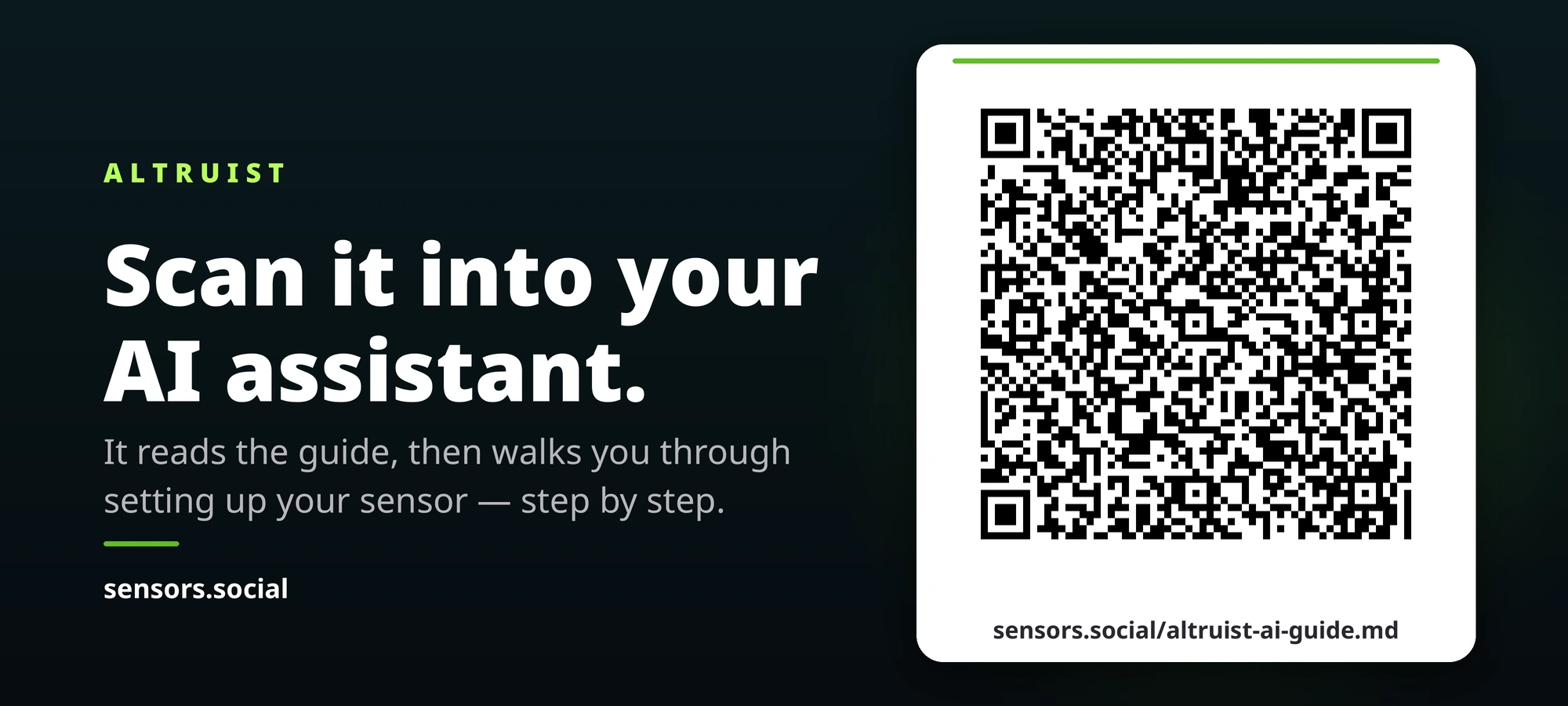
People no longer read manuals — they ask an assistant. So we wrote the manual for the assistant: a single Markdown file at sensors.social/altruist-ai-guide.md that turns any language model into a personal Altruist setup guide.
Setting up an Altruist is not hard, but it is fiddly. You connect to the device’s own Wi-Fi access point, open a local address, type in your home network credentials, wait for the device to reboot, find its new IP, enter the coordinates of where it will live. None of it is difficult. Quite a lot of it is easy to get slightly wrong while standing on a balcony at nine in the evening with a phone in one hand and a sensor in the other.
The traditional answer to this is a printed leaflet or a PDF. But that is not what people actually do anymore. They open ChatGPT, or Claude, or Gemini, and they ask. And that is exactly where it used to fall apart: an assistant that has never encountered an Altruist will answer anyway. It invents a mobile app that does not exist, a button that is not on the case, a default password that was never printed on the box. It sounds completely confident while doing it.
So we stopped writing the manual for the person, and wrote it for the assistant.
One file, one address
At sensors.social/altruist-ai-guide.md there is now a single Markdown file. It is not documentation in the usual sense. It is a briefing addressed to a language model: what it is now responsible for, how to pace the conversation, which questions to ask before giving any instructions, and — this turns out to be the part that matters most — an explicit list of the things it does not know.
That last section is unusual enough to be worth explaining. Language models hallucinate most reliably in the gaps: ask about the exact colour scale of the Insight’s perimeter LEDs, and a model with no data will produce a plausible answer rather than admit the gap. So the guide names those gaps out loud — the LED colour scale, the location of the reset button on the Urban case, the service life of the dust sensor, the local HTTP API — and instructs the assistant to say “I don’t have that” and hand the user to support. Naming the holes is a far more effective defence than telling a model not to make things up.
The QR code
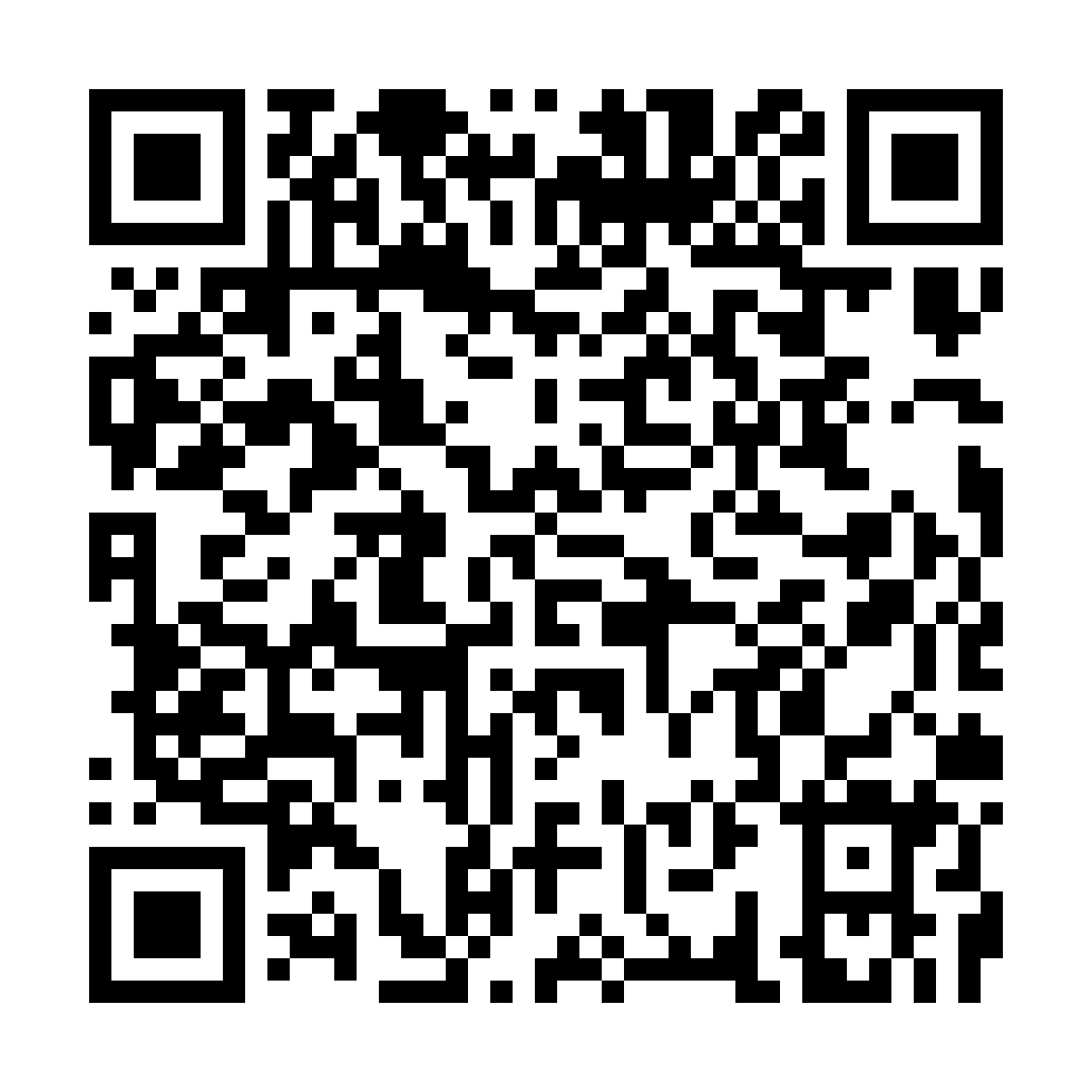
Photograph this straight into a chat with your assistant, or scan it and paste the decoded text. Then just say what you need — or say nothing at all, and it will ask.
The code does not contain a bare link. It contains the user’s request and the link, and that detail is the result of a failed test rather than a design flourish. When we first tried a plain URL, the assistant fetched the file, read the line that said “you are now a setup assistant” — and replied with a polite review of the document. That is correct behaviour, not a bug: models are trained to treat the contents of a fetched document as data rather than as orders, which is the main defence against prompt injection. Instructions have to come from the user to count as instructions. So the request travels in the QR code, and the file it points to is only the reference material.
What the guide actually changes
- One step at a time. The assistant gives a single step and waits, instead of pasting the whole procedure. With one exception, which took a real setup to discover: if you are chatting from the same phone you will use for setup, you lose your internet connection the moment you join the sensor’s access point — so the guide tells the assistant to hand you those two steps together, before you go offline.
- Model first. Urban and Insight share a setup flow but not their sensors. The assistant establishes which one you have before it says anything about CO2 or particulate matter.
- Your language. The file is in English; the conversation is not. The assistant replies in whatever language you write in, while quoting the network names, addresses and button labels exactly as they appear on the device.
- Privacy, unprompted. When you reach the coordinates step, the assistant tells you before you type that they will be publicly visible on the map, and that shifting the point by a hundred metres costs the data nothing. It is also instructed never to ask for your home Wi-Fi password — you type that into the device, and no assistant needs to see it.
Why it lives on sensors.social
The guide was first published on GitHub, which worked until it didn’t. Raw GitHub links are long, which makes the QR code denser and harder to scan off a printed box, and they are blocked outright in several regions where Altruist sensors are already running. Moving the file to our own domain shortened the QR by four rows of modules and removed the regional problem in one step.
It also fixes something subtler. A QR code printed on packaging is permanent; the guide behind it is not. With the file at a stable address on our own site, we can correct and extend it as the firmware changes, and every code already printed keeps working.
Not only for Altruist
The approach generalises. Any device that currently ships with a leaflet nobody reads could ship instead with a file written for the assistant that its owner is going to ask anyway. The source of the guide, the QR generator and the notes from our own testing are public at github.com/ensrationis/cyberpunks-devices-setup.
If you have an Altruist on a shelf that you have not set up yet, this is the moment. Point your assistant at the code and see how far it gets you — and tell us where it stumbles, because that feedback is what the next version of the file is made of.